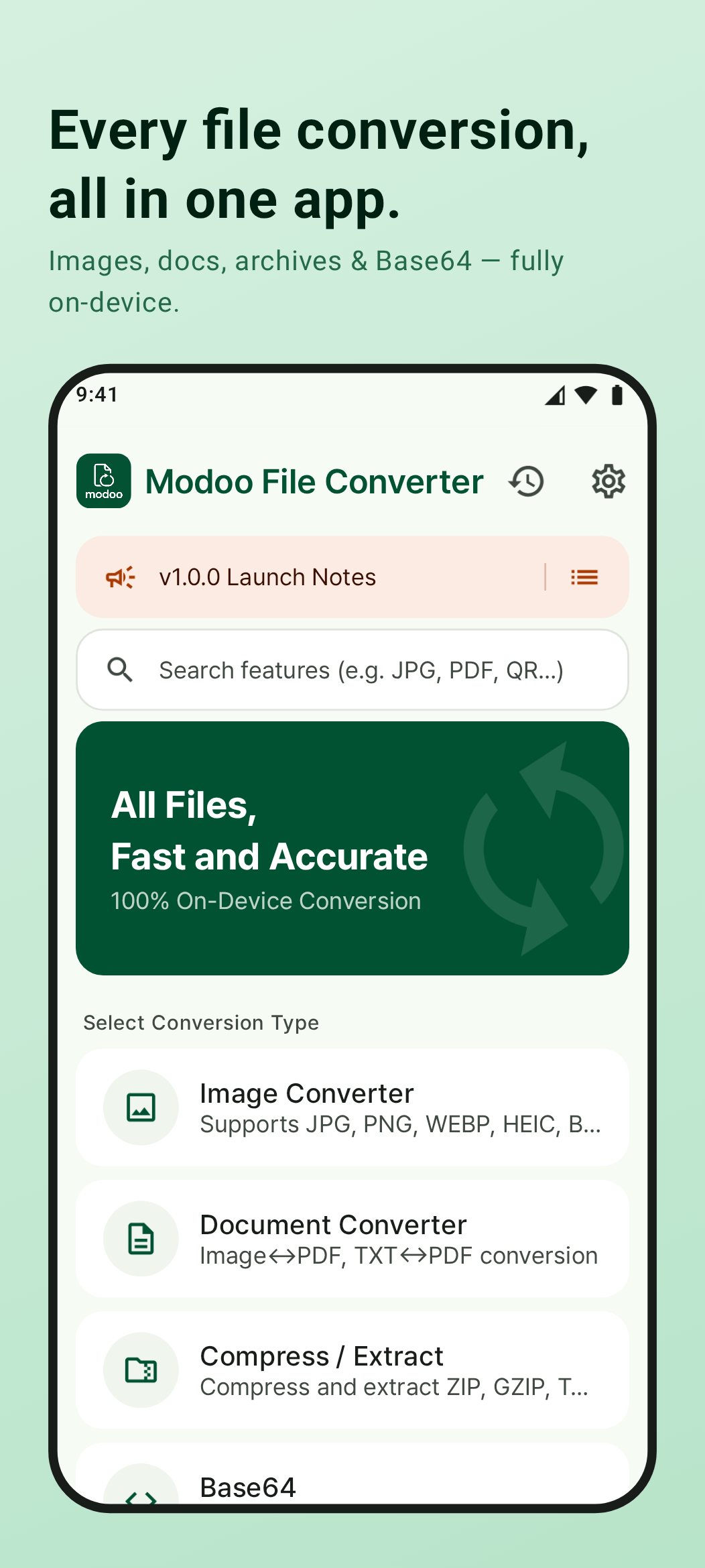
Convert Files,
Right on Your Device
Images, documents & archives — converted without uploading to any server. Works offline, keeps your files private.
- JPG·PNG·WEBP·HEIC·PDF·DOCX and more supported
- 100% on-device — your files never leave your phone
- Works without an internet connection
- Batch conversion and conversion history supported
4 Conversion Modes, One App
Images, documents, archives and encoding — the conversions you need most, all in one place.
Image Conversion
JPG·PNG·WEBP·HEIC·GIF·BMP·TIFF·SVG mutual conversion. Output quality control and batch conversion included.
Document Conversion
PDF·DOCX·XLSX·CSV·TXT·Markdown·HTML·RTF — major document formats, all supported.
Archive / Extract
ZIP·7Z·TAR·TAR.GZ·GZIP compression and extraction. Batch compress multiple files at once.
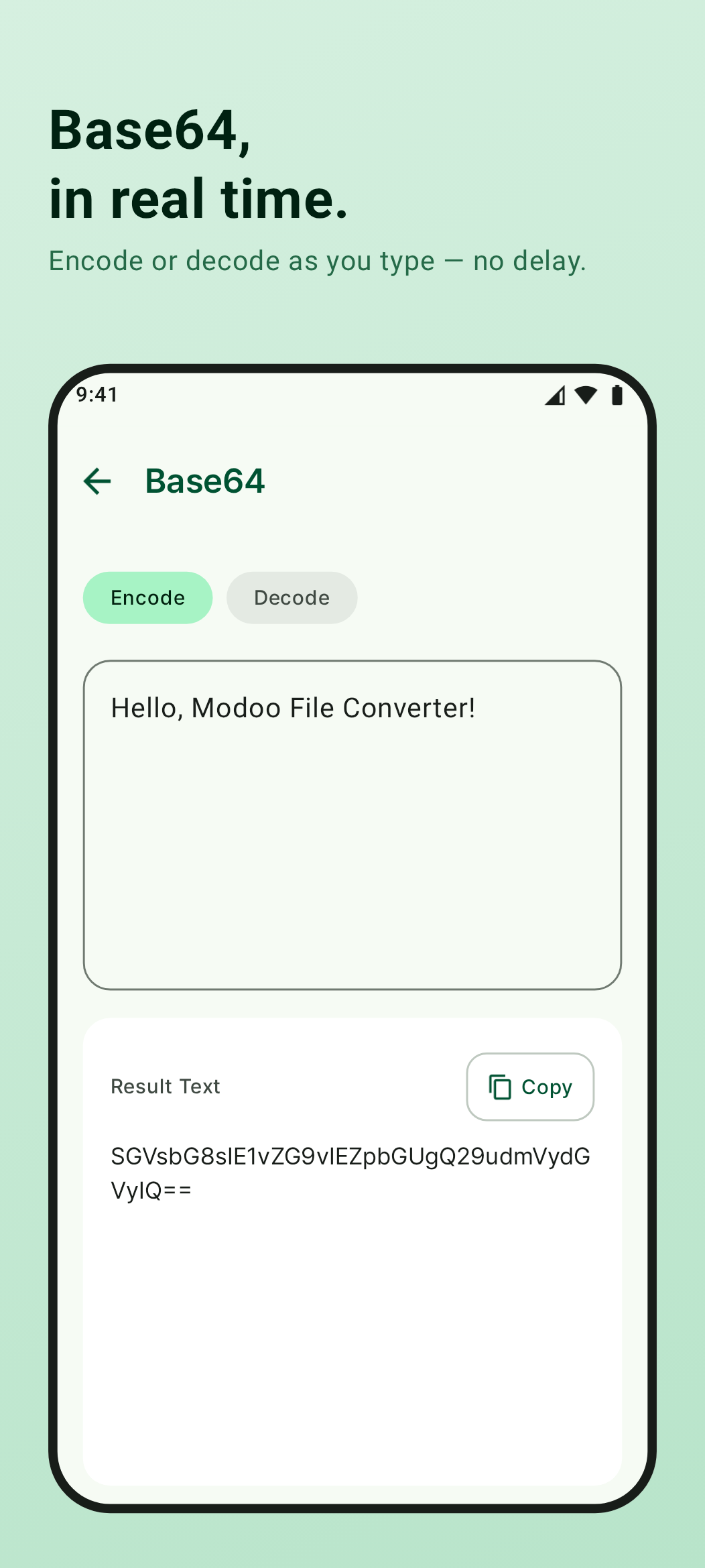
Base64 Encoding
Text ↔ Base64 real-time encoding/decoding. Results appear as you type.
App Screenshots
Clean interface, instant file conversion.
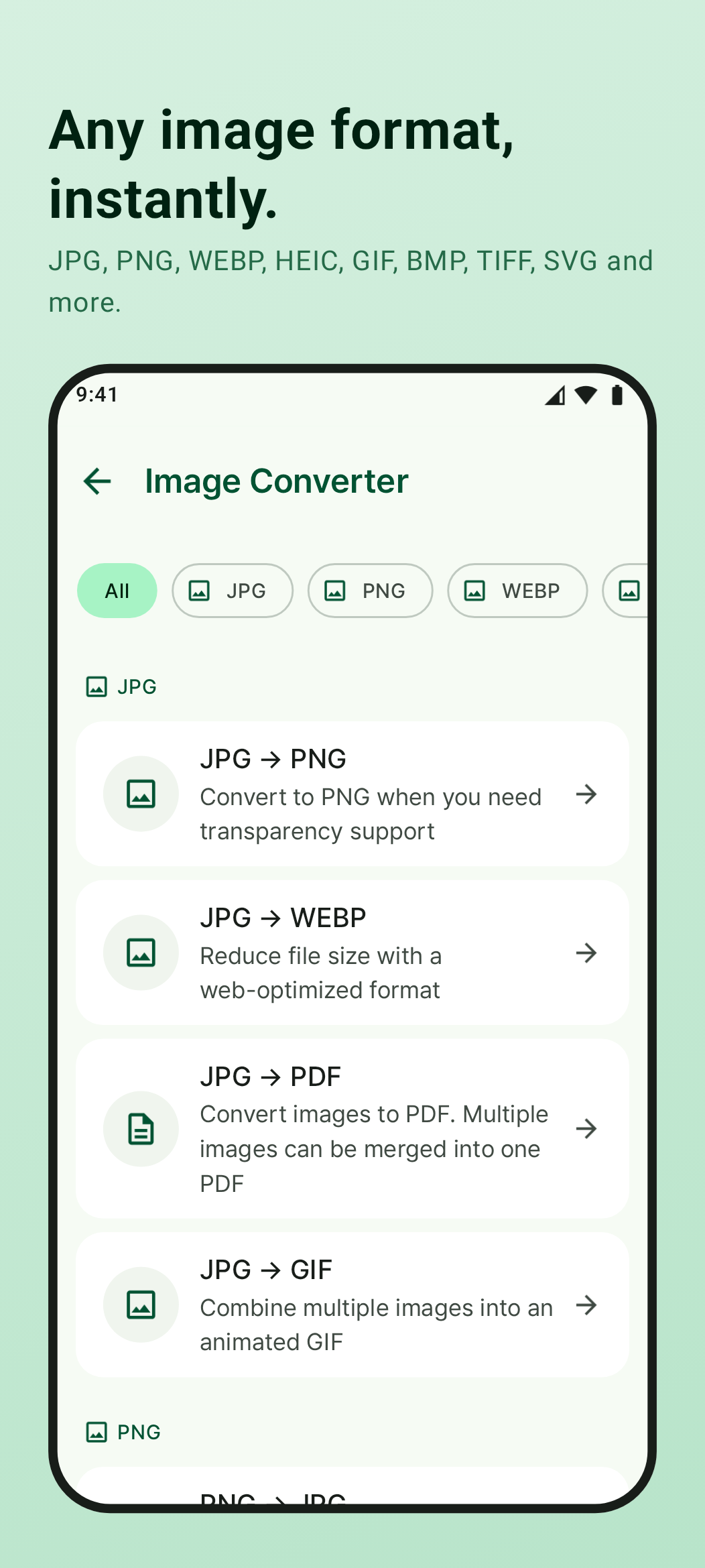
Convert Images to Any Format
Convert between 8 image formats right on your device. Freely set the output quality to balance size and clarity.
- JPG · PNG · WEBP · HEIC · GIF · BMP · TIFF · SVG
- Adjustable output quality (%)
- Batch convert multiple images at once
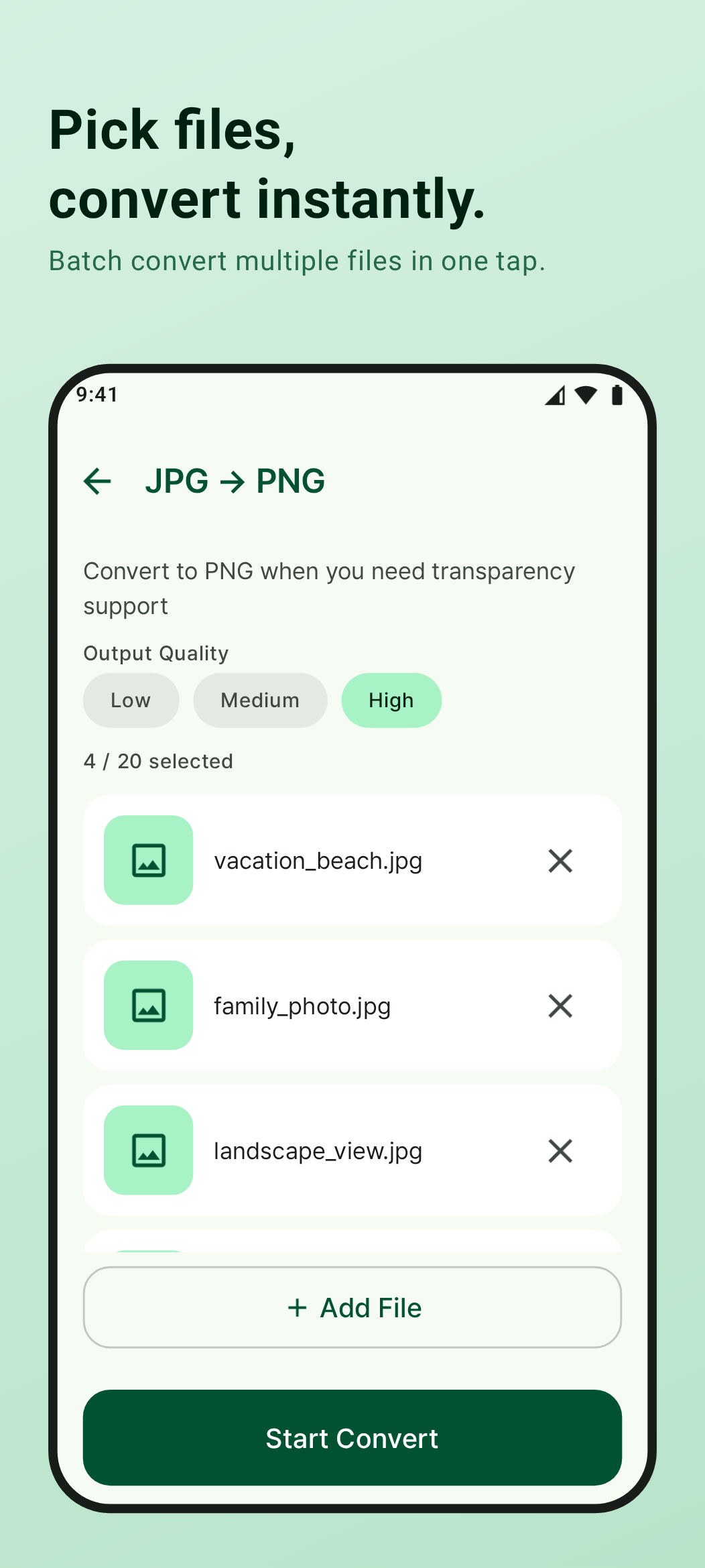
Document Conversion, Many Formats
Convert the document formats you use every day — PDF, DOCX, XLSX and more. Processed entirely on your device, no server required.
- PDF · DOCX · XLSX · CSV · TXT · Markdown · HTML · RTF
- Freely convert between supported formats
- Share converted files instantly
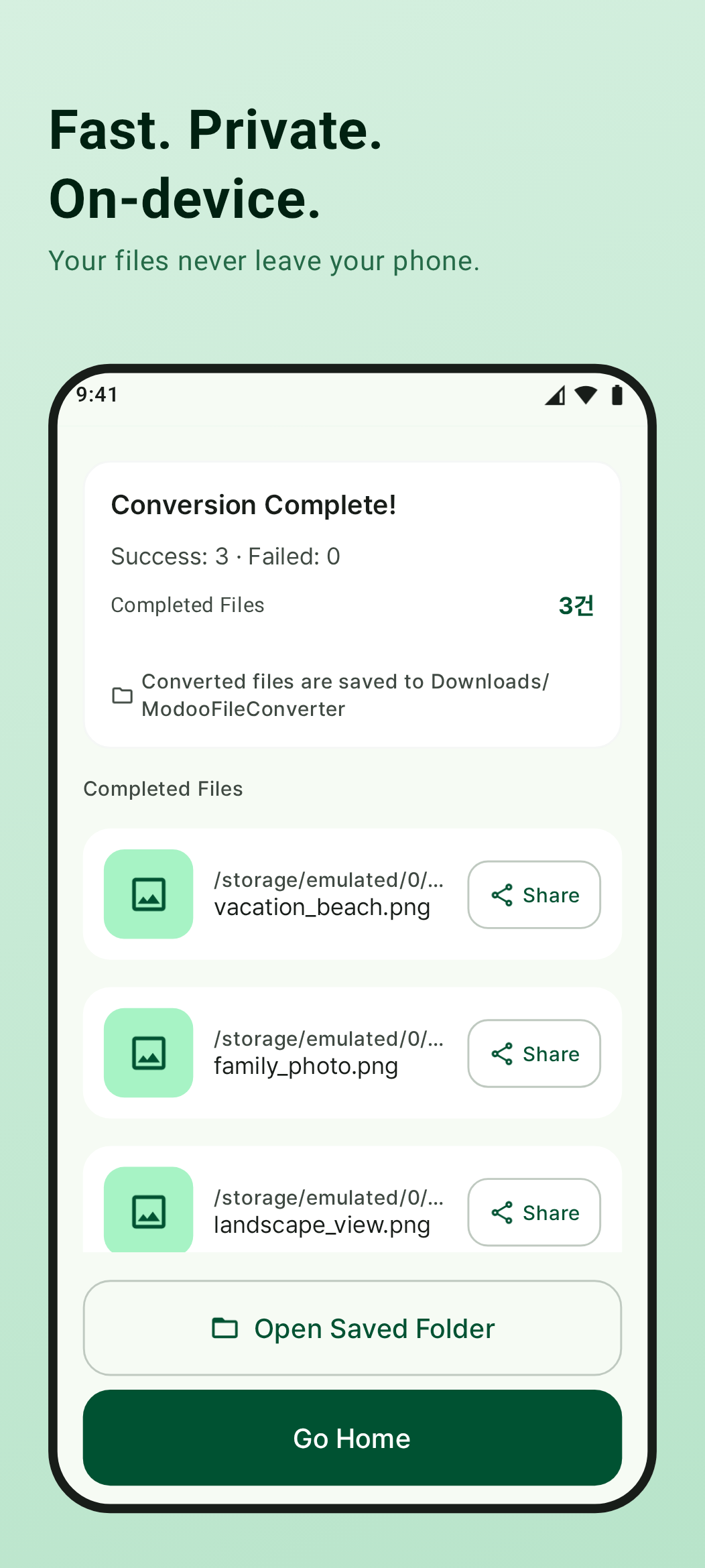
Archive & Extract in One App
Supports ZIP, 7Z, TAR and more. Select multiple files to compress in one go, or extract archives instantly.
- ZIP · 7Z · TAR · TAR.GZ · GZIP supported
- Compress multiple files at once
- Share or save extracted files immediately
Conversion History, Always Accessible
Your recent conversions are saved locally on your device. Open or share any converted file directly from the history — no need to search again.
- Recent conversions stored on-device
- Open or share files from history instantly
- Clear all history to free up storage
Why Modoo File Converter?
3 reasons to trust it
Your Files Never Leave Your Device
All conversions happen entirely on your device. No server uploads, no cloud transfers. Even sensitive documents stay private.
Every Conversion in One App
Images, documents, archives, and Base64 — handled in a single app. No need to install multiple converter apps.
Use It Ad-Free
Remove ads permanently with a one-time in-app purchase. When ads are removed, the AdMob SDK is also disabled — stopping ad-related data collection entirely.